
Boxer plays all the MS-DOS games of your misspent youth, right here on your Mac.
There’s no clots of configuration and baffling DOS commands between you and your fun: just drag-drop your games onto Boxer, and you’ll be playing in minutes.
Boxer takes your CDs, floppies and bootleg game copies and wraps them into app-style gameboxes you just click to play. They’re self-contained so you can back them up or share them with friends. No mess, no fuss.
If your nostalgia demands more, then decorate your games with gorgeous icons and admire your collection from your very own Finder games shelf.
Boxer is powered by DOSBox’s robust DOS emulation, which means it’ll play almost any DOS game you throw at it.
Drag the volume up, then down, then up again with a statusbar volume control!
Save screenshots to the desktop with an easy shortcut!
Zip through boring game intros with the fast-forward key!
Paste text from OS X into any DOS program!
Gameboxes now remember all your drives from last time, so it’s dead easy to use an extra drive for sharing files between games.
Expanded help for installing patches & game expansions and dealing with Windows-only games.
Lots of little UI improvements that you won’t consciously notice but which will make your day that teeny bit happier.
About six gajillion bugfixes.
Boxer comes with 4 ready-to-play DOS games to whet your appetite: Commander Keen 4 and demos of Epic Pinball, Ultima Underworld and X-COM: UFO Defense. Bon appetit!
More game demos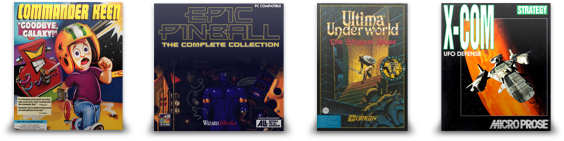
Boxer is designed to look, feel and work beautifully: just like everything else you love on your Mac.
That means Boxer fits hand in glove with OS X: you can launch programs and gameboxes straight from Finder, search your collection in Spotlight, add extra drives in DOS just by drag-and-drop.
And if you run into trouble, there’s comprehensive built-in help just a click away.
 Download Boxer 1.4.0
 Drag, drop and go
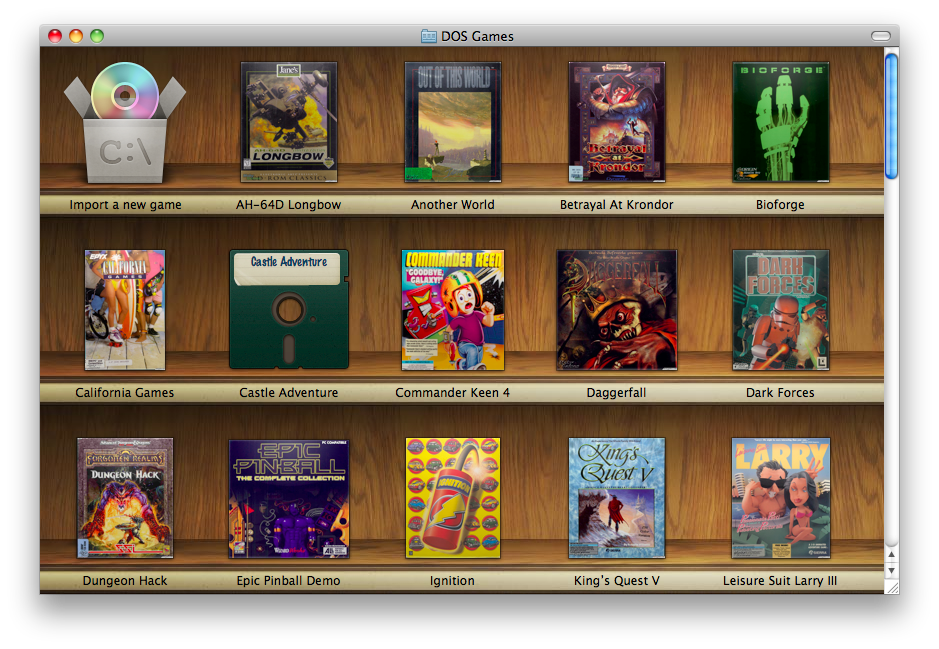 A game shelf to call your own
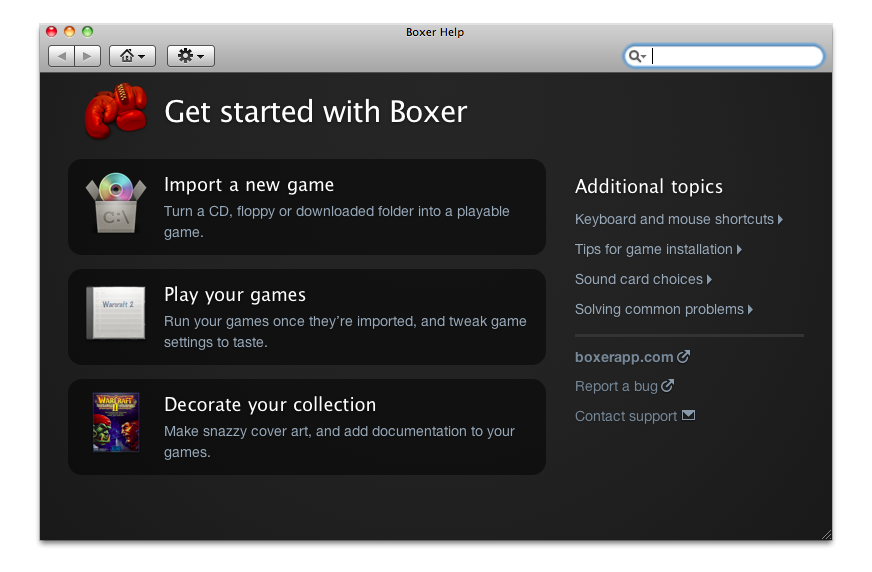 Comprehensive built-in help
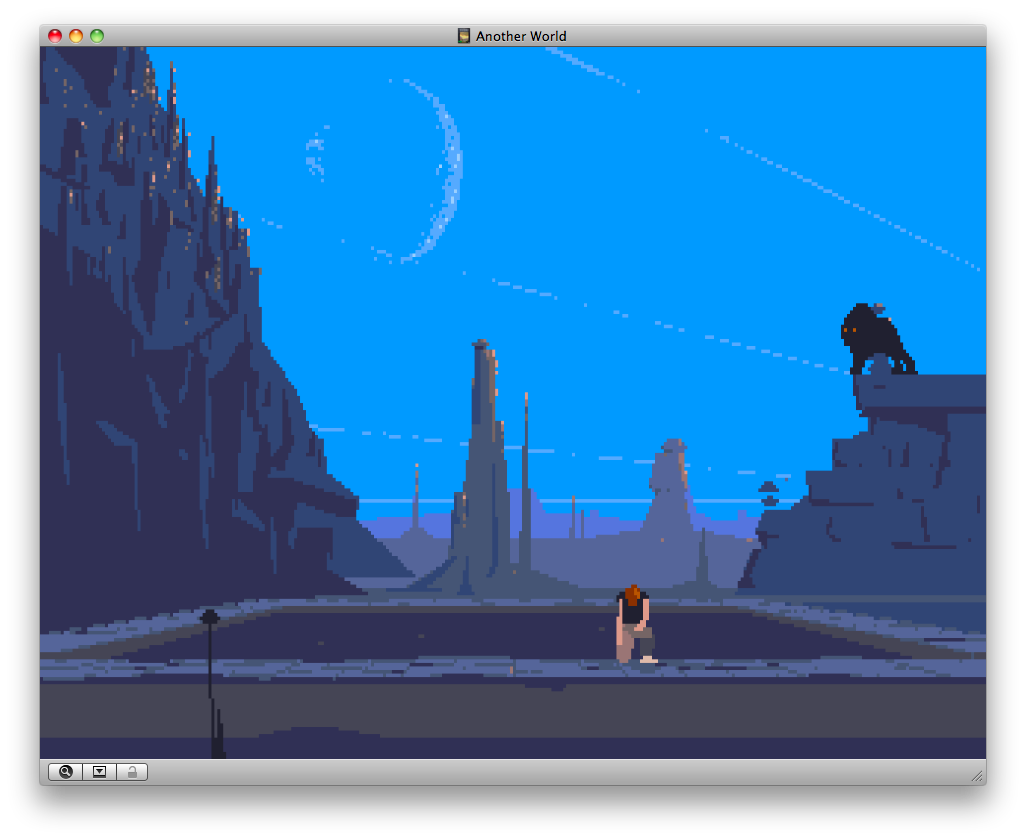 Another World
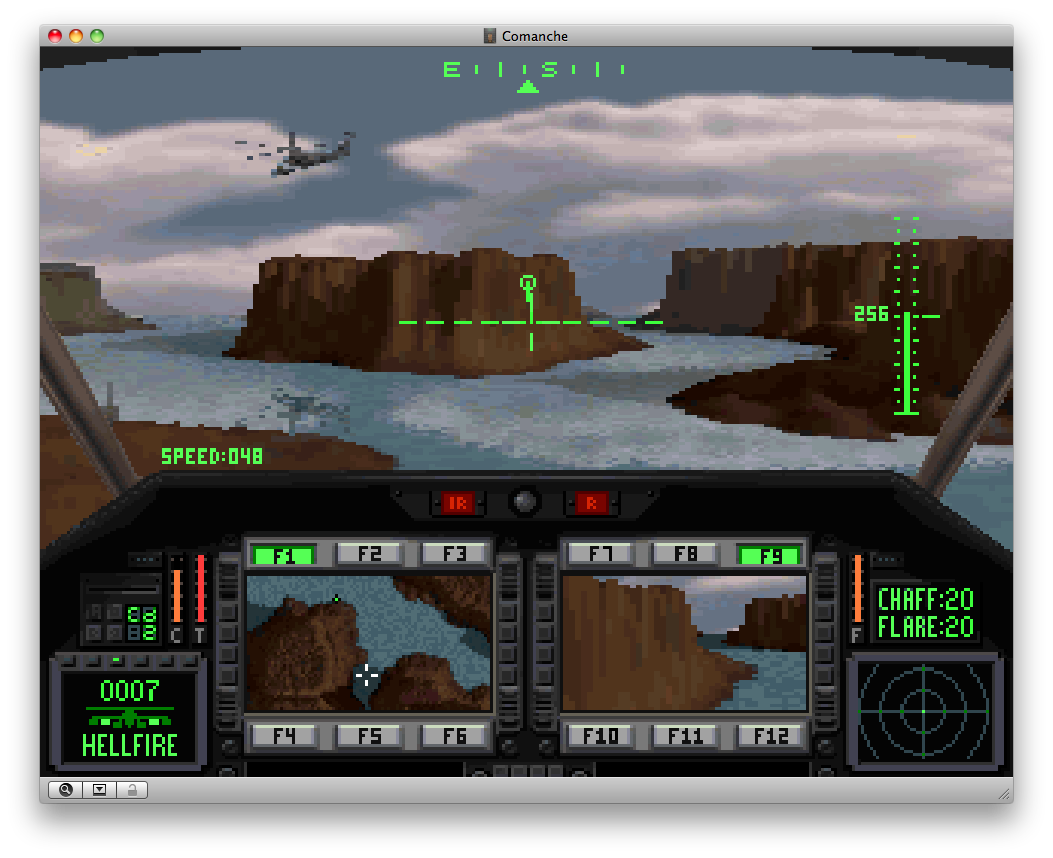 Comanche: Maximum Overkill
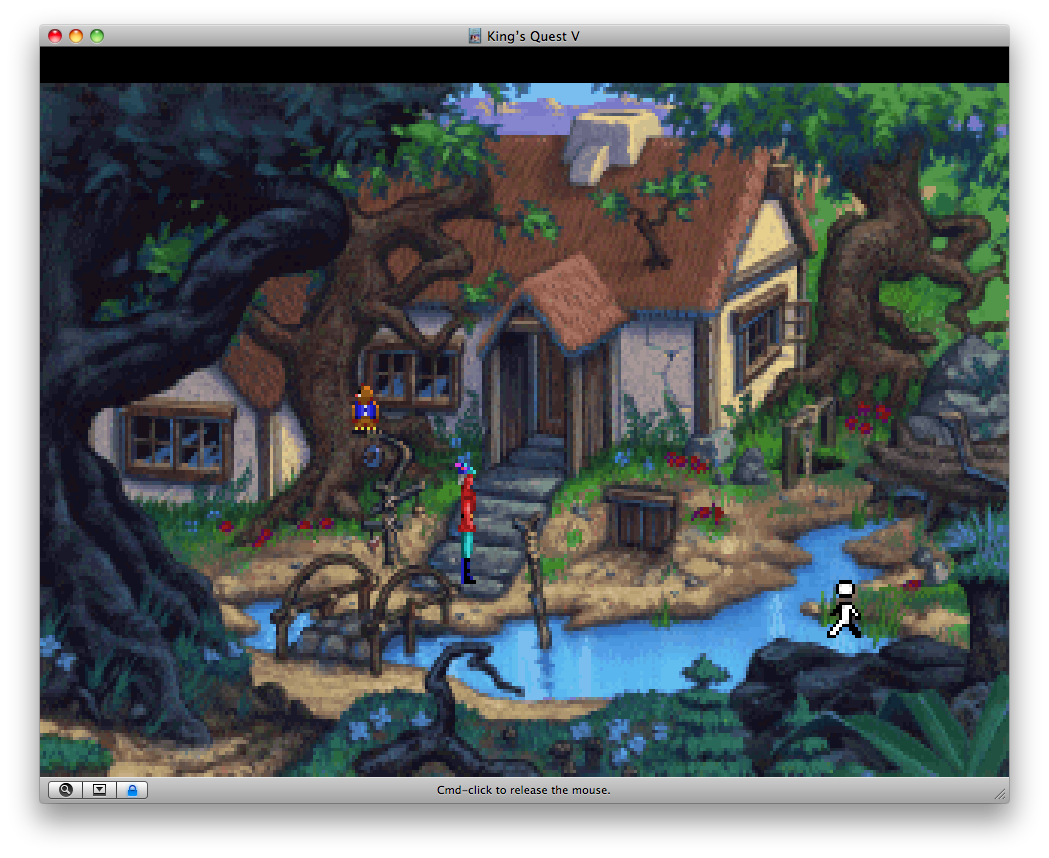 King’s Quest V: Absence Makes the Heart Go Yonder
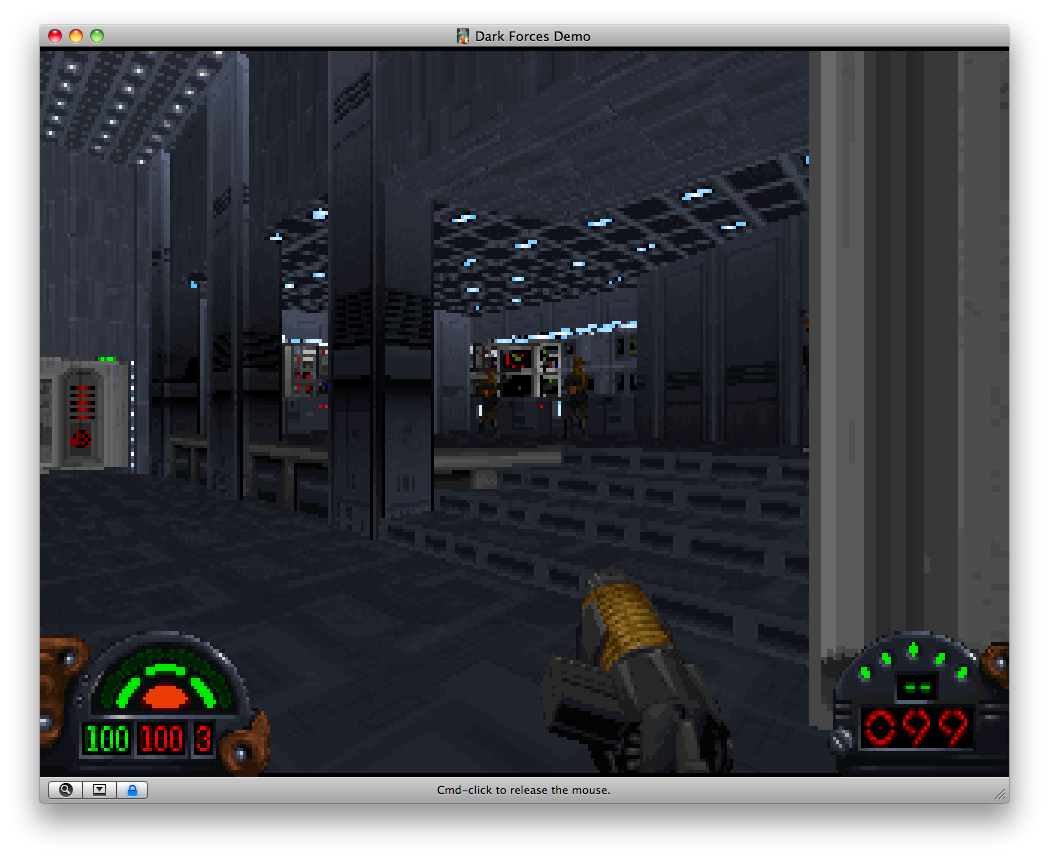 Star Wars: Dark Forces
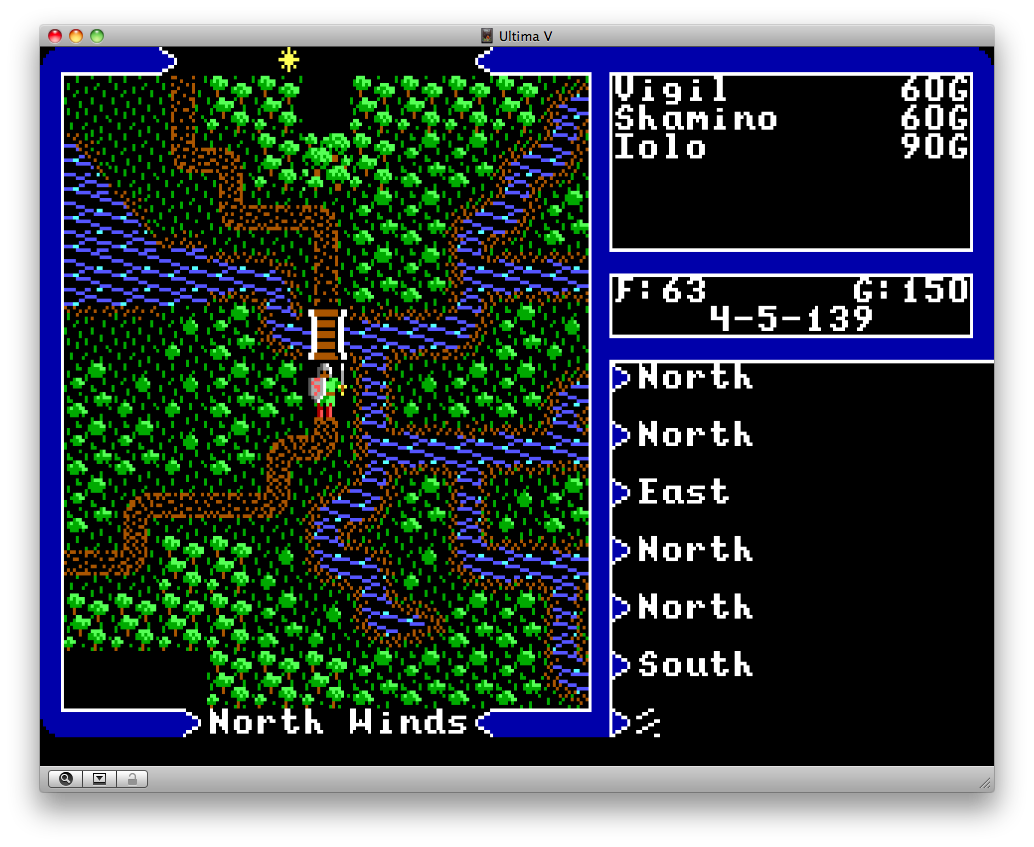 Ultima V: Warriors of Destiny
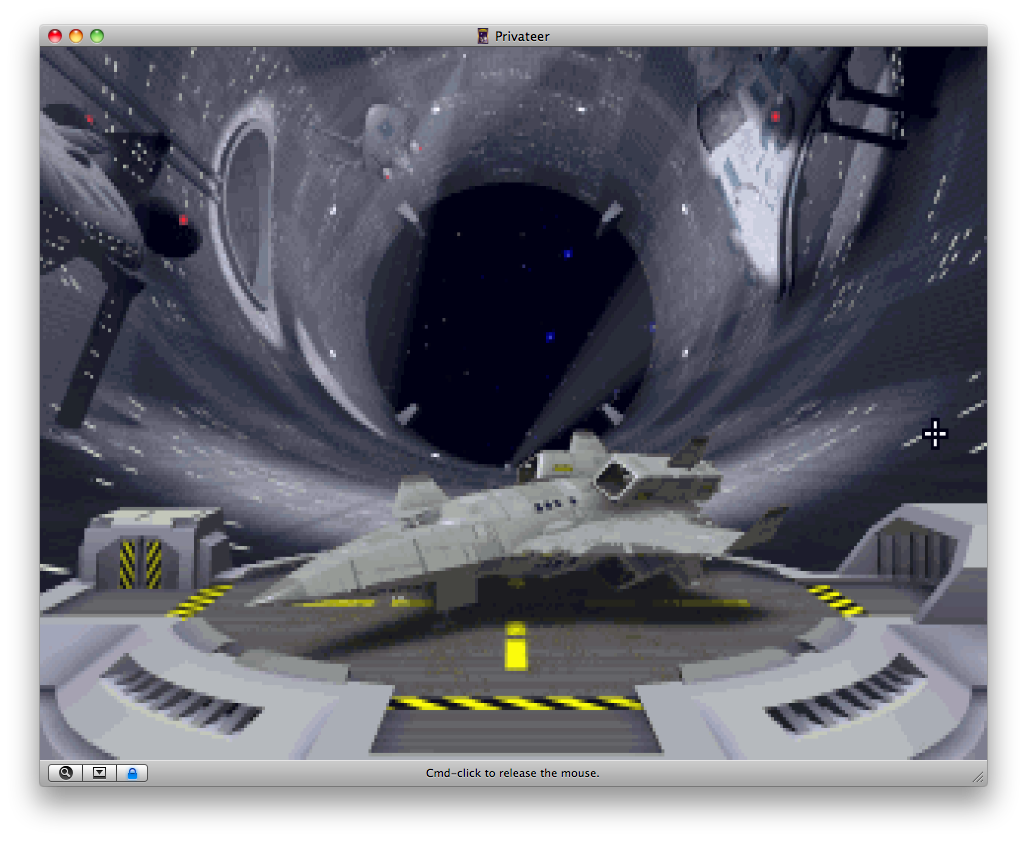 Wing Commander Privateer
 Design by 40watt.