Boxer 0.65α

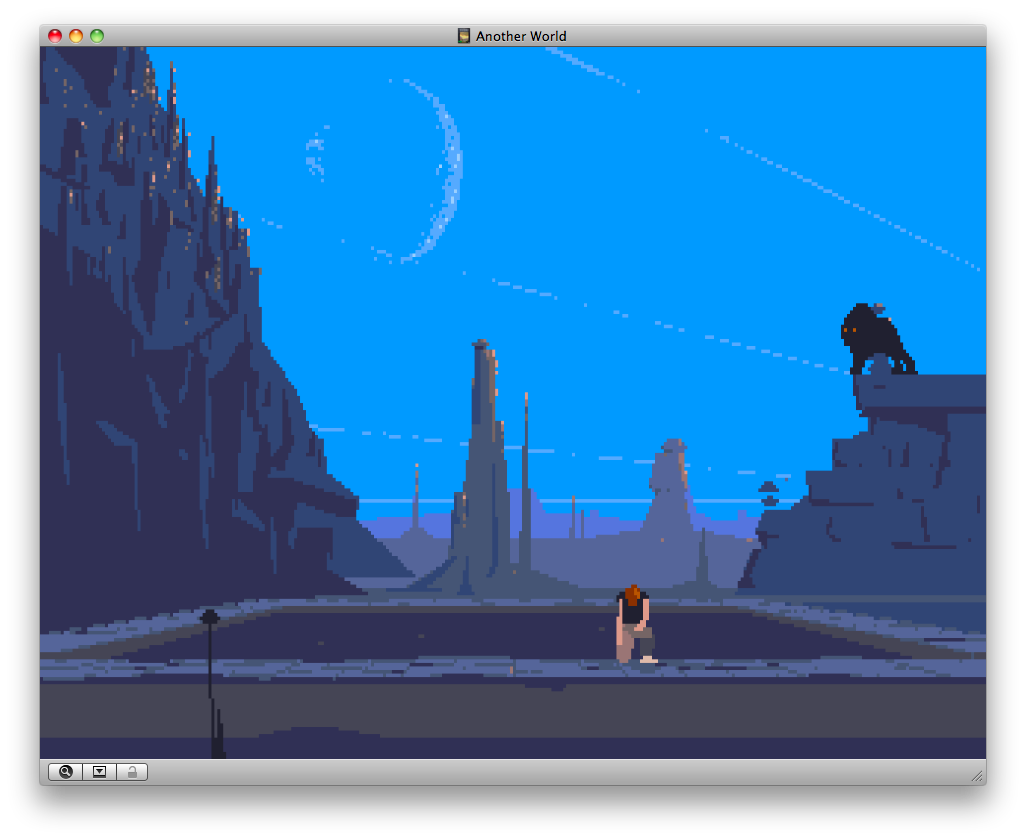
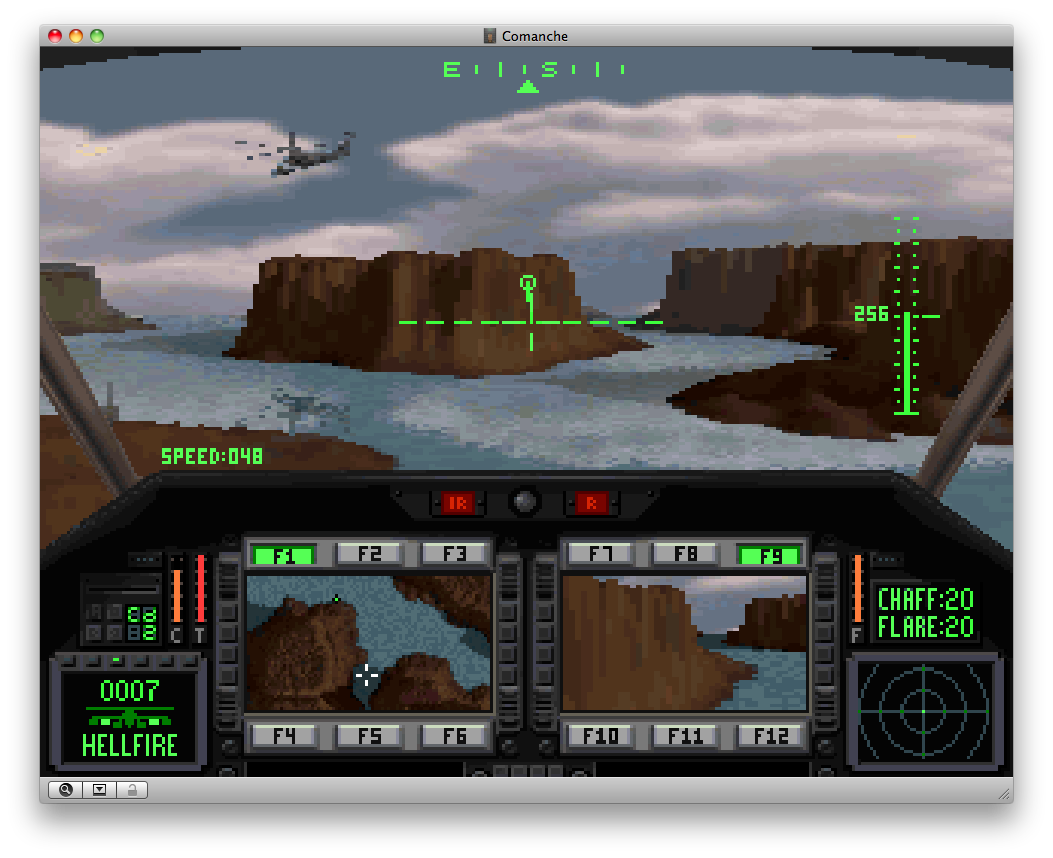
Boxer is a Mac-friendly version of the DOSBox 0.72 MS-DOS emulator.
It aims to make DOS emulation easy and configuration-free.

Download Boxer 0.65α (5.7MB, OS X disk image)

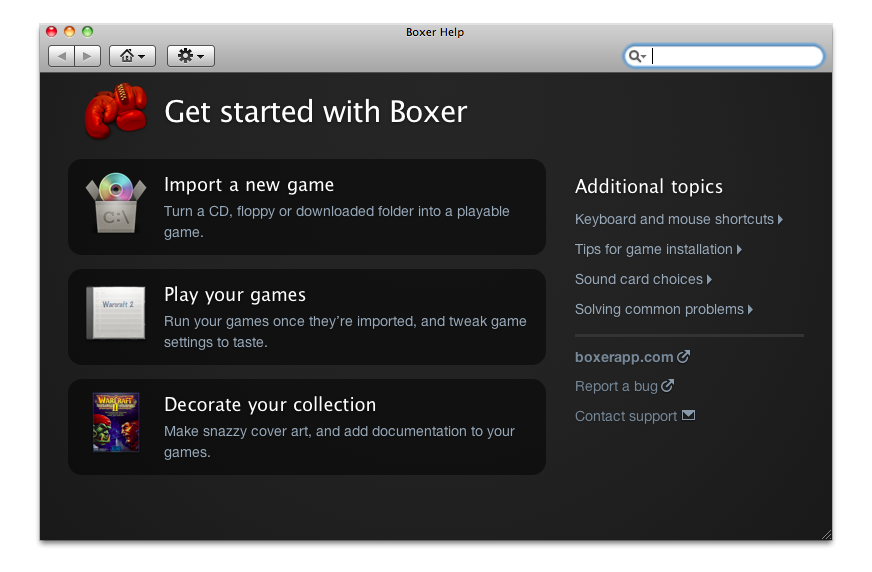
Be sure to check the Boxer Release Notes for tips on running your DOS games and using keyboard shortcuts. A copy of the Release Notes is also included in the Boxer download.

Compatibility

Boxer is an alpha version, and has been tested on Intel Macs running OS X 10.5 and PowerPC Macs running OS X 10.4. Earlier versions of OS X are unsupported and will probably not work correctly.

Boxer’s Features

Boxer provides DOSBox 0.72’s rock-solid DOS game emulation, plus:

Boxer saves you from configuration hassles, by:

However, Boxer is still in an early state and does not yet offer a graphical interface for modifying game settings. Most DOS games should work straight away, but for games that don’t you will need to be familiar with editing DOSBox configuration files.

Boxer’s Goals

Boxer was created because one day, while clicking on a Nintendo ROM in Finder to instantly play a game, I wondered why MS-DOS game emulation has to be so hard.

Historically, this has been because MS-DOS itself is hard: a long way from plugging in a cartridge and pressing the power button. However, now that the tools are available to make MS-DOS emulation possible, it’s time for tools to make it easy. Easier than it ever was back in the old days.

Boxer aims to make it easy to run your favourite DOS games: without editing configuration files, without typing commandline parameters, without mounting folders, without learning a confusing frontend; without doing any more than clicking on a game in Finder.

What are Boxer’s game packages all about?

DOS game emulation lacks an equivalent to console ROM files, which contain a game’s data in a single file that’s easy to store, distribute and launch.

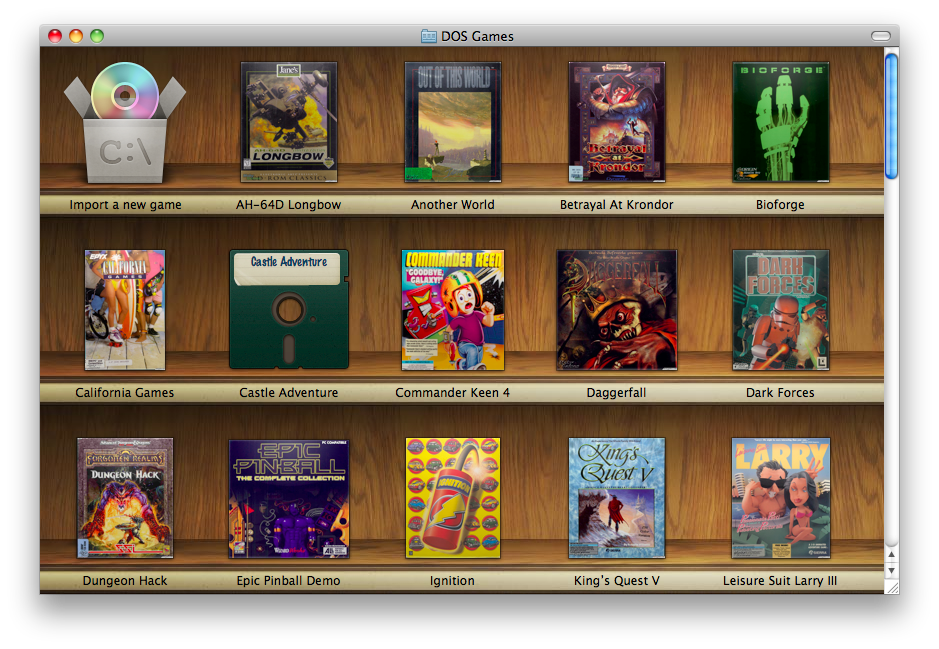
Boxer attempts to address this with DOS Game Packages: these bundle a game’s files and configuration settings into a single container, which can be easily created from an existing game folder. You (or anyone with Boxer) can then run the game just by clicking on the package.

In future, I hope to let game packages store metadata about their games too: name, publisher, release date and even box art, ideally retrieved automatically.

(Unfortunately for now this package format is Mac-only, specific to Boxer, and requires zipping for redistribution.)

Where to Find DOS Games

To get you started, here are some legal (to my knowledge) Boxer-ready games to download: (These games are packaged in OS X disk images, so only download them if you have a Mac!)

Commercial games

If you’re looking for out-of-print commercial DOS games, the right thing to do is to search Ebay and other internet auction sites for used copies. It’s possible to find CD rereleases or even mint-condition boxes of most popular games. (Let’s maintain the convenient fiction that you won’t just do a google search for “abandonware” and avail yourself of the many websites for pirated DOS games instead.)

Documentation

If you need documentation for any of your (legitimately acquired!) games, Replacementdocs carries good-quality PDF scans of game manuals, maps and other box material.

Cover art

Your games collection will look even snazzier if you give your games custom icons. I recommend finding high-resolution cover art from Mobygames or a google image search, and turning the covers into OS X icns files using img2icns.

You can give a game folder or game package a new icon by opening its Get Info window and dragging the icns file onto the thumbnail in the top left corner. After you've done this you can delete the icns file.

Supported Games

Most DOS games should work in Boxer immediately with no configuration required. However, some games require special DOSBox configuration settings to work best — or at all.

Boxer auto-detects the following games and chooses an appropriate configuration for them:
Flashback Enable Dynamic CPU core and maximum emulation cycles
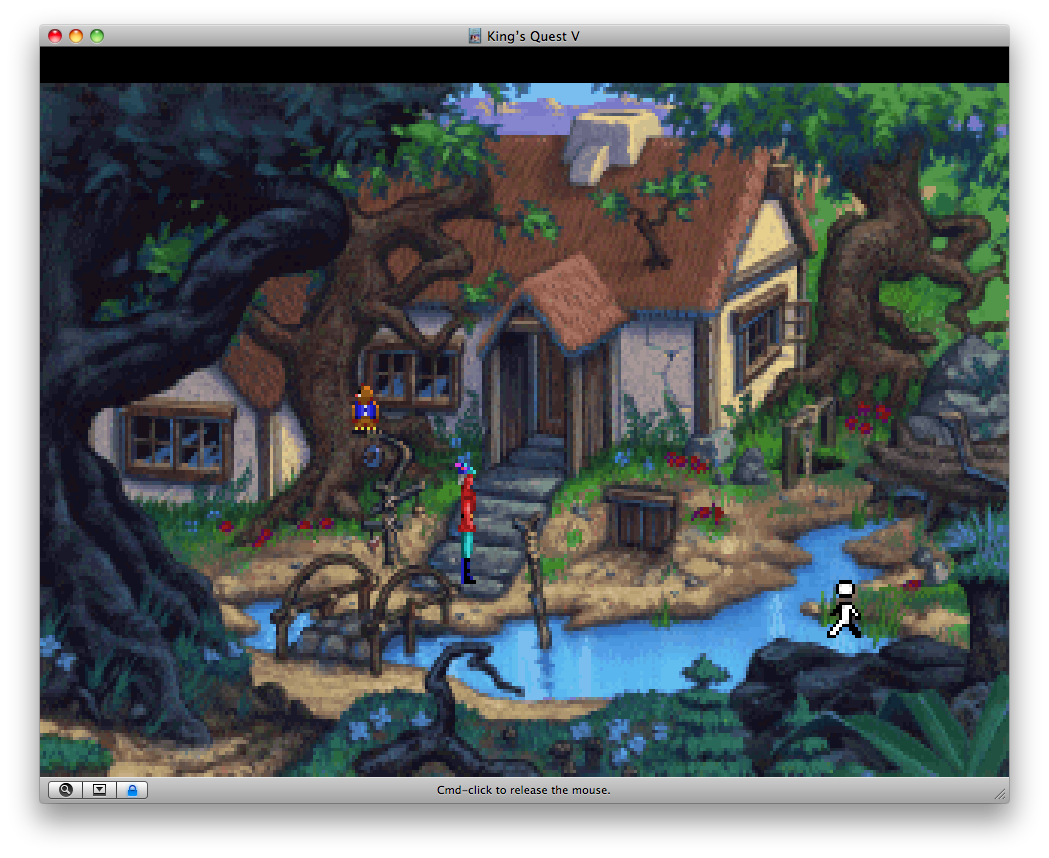
Sierra AGI games
(e.g. King’s Quest I–III)
Enable Tandy 3-voice audio
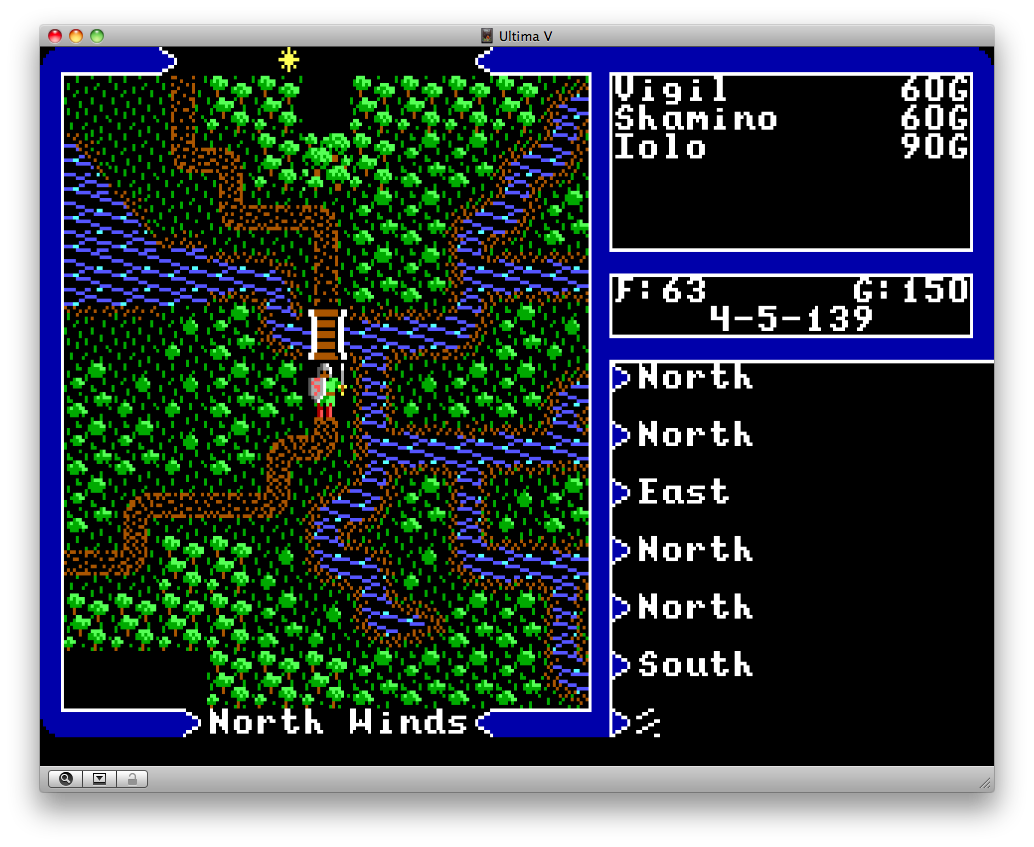
Ultima IV, V & VI Reduce CPU cycles to 1500
Ultima VII & Serpent Isle Disable extended and expanded memory, enable Dynamic CPU core and maximum emulation cycles
Ultima Underworld I & II Enable Dynamic CPU core and maximum emulation cycles

This list will grow as I find more games that don’t work with the defaults. If you encounter other games that need special DOSBox settings, please contact me and I will add in auto-detection for them. Boxer’s goal is zero configuration!

Version History

  1. 0.65 (The mountaholic release)

    • Fixed myriad bugs that were preventing Boxer from working in OS X 10.4.
    • Working directory is now set to the folder of the current game, rather than root, which allows relative paths in DOSBox commands (e.g. MOUNT d "./folder_in_game_package/".)
    • Added default axis/button mappings for joysticks, and changed buttonwrap setting to false.
    • Alert dialogs modified to fit Apple HIG guidelines better.
    • Added auto-configuration for Ultima IV-VI.
    • Added Finnish translation.
    • Considerably revised website and release notes structure.

    Mounting features:

    • Recognise and mount .cue CD-ROM images. These have been given the imported UTI com.goldenhawk.cdrwin-cuesheet.
    • Recognise and mount .img images. Currently these are always treated as floppy disk images; future versions will try to distinguish floppy, hard-disk and CD-ROM .imgs.
    • Recognise and mount folders with the .cdrom extension as CDROMs, with the .floppy extension as floppy disks, and with the .harddisk extension as hard disks. These new folder types carry the exported UTIs net.washboardabs.boxer-cdrom-folder, net.washboardabs.boxer-floppy-folder and net.washboardabs.boxer-harddisk-folder respectively.
    • Automatically mount any CD-ROM images (.iso, .cue and .cdrom files), floppy images (.img and .floppy files) and hard disk images (.harddisk files) found inside a game’s folder/package. This allows configuration-free mounting: just drop your images into your game's folder and Boxer will mount them.
  2. 0.62

    • Auto-mount any CD-ROMs or CD-ROM images that are currently mounted in OS X.
    • Changed the cycles and frameskip keyboard shortcuts from +/- to up/down arrows, to avoid remapping hassles with non-US keyboards.
    • Added keyboard shortcut for turbo mode.
    • Updated UTI declarations to better reflect format conformance, match official Apple descriptions and embrace OSType codes.
  3. 0.61 (First public release)

    • Switched to symlinks for DOSBox Target files, instead of aliases.
    • Bugfixes for read-only file handling.
    • Improved DOSBox update process.
  4. 0.6

    • Shiny new icons and theme.
    • Added support for mounting ISOs in DOSBox.
    • Added game auto-detection for folders and files, not just game packages.
    • Automatically use appropriate DOSBox localization file based on user’s current language.
    • Changed game package extension to .boxer.
    • Added UTIs for .conf and .lang files so that OS X knows they are plaintext.
  5. 0.5

    • HTML release notes!
    • Added ability to upgrade Boxer to newer versions of DOSBox by dragging a copy of DOSBox onto Boxer.
    • Added preliminary support for embedding games in the DOSBox application.
    • Autodetect appropriate CPU and graphics settings for certain games.
    • Did a big code rewrite and added support for localisation.
    • Improved prompts and file selection dialogs.
    • Changed UTIs and filename conventions, to give extensions to all support files (this will break preferences from older versions so delete your Boxer preferences folder).
    • Added extensive commenting to DOSBox Preferences.conf.
  6. 0.42

    • Made game-package setup prompts clearer and more sensible.
    • Tweaked config-file naming conventions.
    • Fixed incorrect text appearing in prompts.
    • Changed packaging style of DOSBox to avoid OS X "forgetting" which executable to run.
    • Use non-bilinear OpenGL rendering by default (surface does not allow OS X to take screenshots.)
  7. 0.4

    • Choose a default mount folder when Boxer is first launched.
    • Prompt the user better about choosing a game program/installer when launching a new DOSBox game package.
    • Better method of avoiding double icons in the Dock.
    • Renamed "DOSBox Bundles" to "DOSBox Game Packages".
    • Migrated preferences to to own folder and introduced new default settings and keyboard shortcuts.
  8. 0.3

    • Disk image package.
    • Rewritten readme.
    • Better icons for DOSBox bundles, folders and executable files.
    • Better handling of orphaned aliases.
    • If only one executable (EXE, COM or BAT) is present in a DOSBox bundle, choose it by default instead of asking the user.
    • Changed "Target Application" and "Application Preferences" to "DOSBox Target" and "DOSBox Preferences" respectively.
    • Blank DOSBox Preferences files will be created inside DOSBox bundles that don’t have one already (to make it easier to modify game configurations.)
    • Fixed window-mode issue that prevented script error dialogs from being focusable.
  9. 0.2

    • Let OS X know about COM and BAT files, and report ourselves as viewer for these types and Folders (allows drag-drop of only those types, as well as association with those types by default.)
    • Filter DOSBox Bundle file chooser to only EXE, COM or BAT files.
    • Switched to UTIs for filetype declarations.
    • Handle broken aliases gracefully (hopefully!)
  10. 0.1

    • First release!

Credits

DOSBox credits

Contact

Please send feedback, suggestions, bug reports and large cash donations for Boxer to Alun Bestor.

If you’re having problems running Boxer, remember to mention what version of OS X you are using, what game(s) you have trouble with, and what error messages you get (if any).

If you can help out with Boxer in any way, please let me know! I’m particularly interested in configuration settings needed for your favourite games, so that Boxer can auto-detect them in future. I’m also looking for help translating Boxer to other languages!

For problems or feedback to do with DOSBox itself, it would be best to contact the DOSBox team directly.